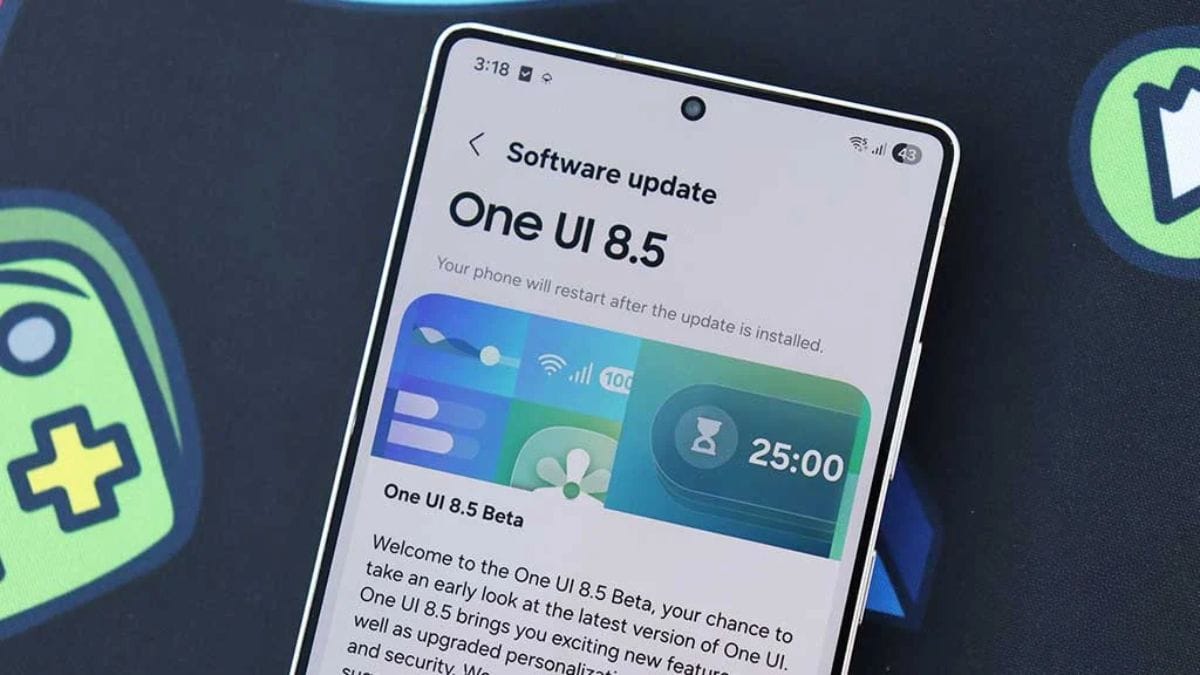
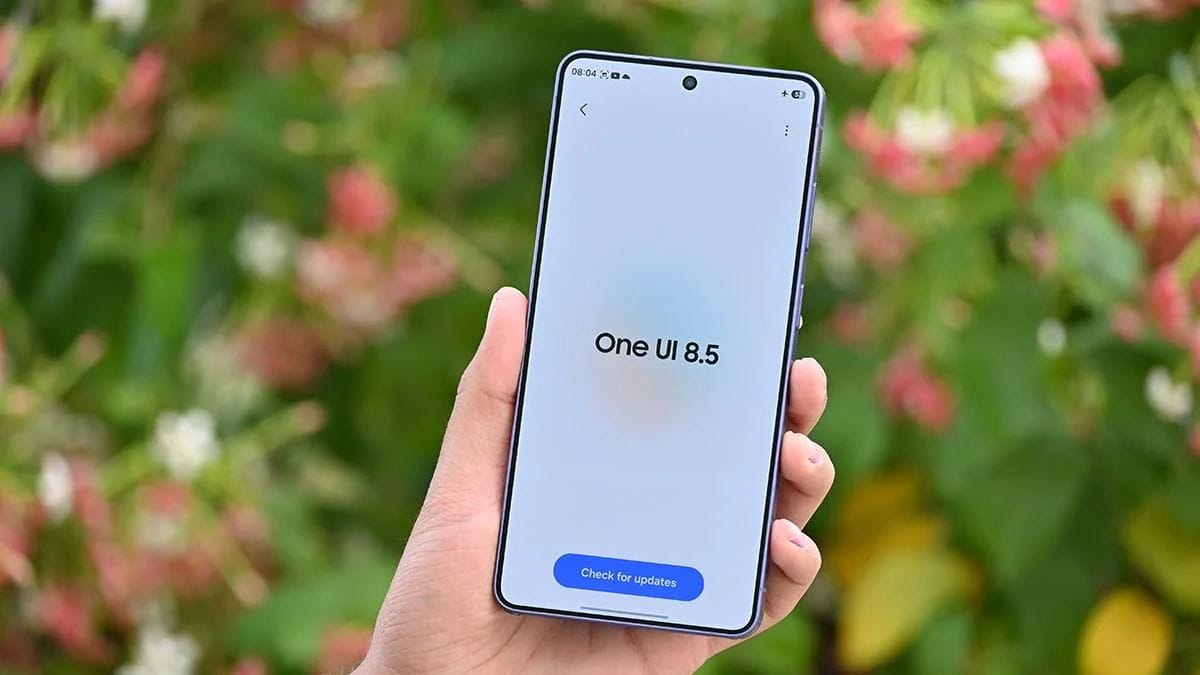
Samsung is reportedly planning to introduce support for Apple’s AirDrop-style file sharing on its upcoming Galaxy S26 series. The feature is expected to arrive later this year through software updates, marking a notable step toward improving compatibility between Android and Apple devices.
If implemented as described, this update could simplify file sharing between Galaxy smartphones and Apple devices such as iPhones, iPads, and Mac computers without relying on third-party applications.
Here is a quick summary of the reported development:
| Particulars | Details |
|---|---|
| Feature | AirDrop-like file sharing |
| Devices | Galaxy S26 series (initial rollout) |
| Platform Support | iPhone, iPad, Mac |
| Technology | Samsung Quick Share |
| Rollout | Phased via software updates |
This move indicates Samsung’s effort to reduce friction between ecosystems that have traditionally remained separate.

Feature
According to reports, the functionality will be integrated into Samsung’s Quick Share system. Once enabled, users may be able to transfer files such as photos, videos, and documents directly between Galaxy and Apple devices.
The process is expected to work by allowing Apple users to enable AirDrop visibility, while Galaxy devices establish a temporary connection for file transfer. Some reports suggest that Galaxy phones may briefly disconnect from Wi-Fi during this process.
The aim is to provide a seamless and direct sharing experience, similar to what AirDrop currently offers within Apple’s ecosystem.
Context
AirDrop has long been a key feature for Apple users, enabling fast and convenient file sharing across devices. Its simplicity has contributed to strong ecosystem retention, particularly among users who frequently exchange files within Apple-based groups.
This limitation has often been cited as a challenge for Android users when sharing files with iPhone users. In many cases, users rely on messaging apps, cloud services, or third-party tools, which can add extra steps and reduce efficiency.
Samsung’s reported move appears to address this gap directly.
Strategy
The introduction of cross-platform file sharing aligns with Samsung’s broader strategy to make switching from iOS to Android more convenient.
The company already offers tools such as Smart Switch, which helps users transfer data from iPhones to Galaxy devices. Adding seamless file sharing could further reduce barriers for users considering a switch.
There are also indications that the feature may expand beyond the Galaxy S26 series. Future updates, possibly through One UI 9, could bring this capability to older Galaxy devices.
Competition
Other companies have also explored similar solutions. Google introduced a comparable feature on Pixel devices, enabling peer-to-peer file transfers between Android and Apple devices without routing data through external servers.
This suggests a broader industry trend toward improving interoperability between platforms, rather than maintaining isolated ecosystems.
Impact
The potential impact of this feature extends beyond convenience. Cross-platform compatibility may influence user preferences, especially among younger consumers who prioritize functionality and flexibility over brand loyalty.
Samsung has also been strengthening its ecosystem with AI-driven features, camera improvements, and software enhancements. The addition of seamless file sharing could complement these efforts by addressing a long-standing usability concern.
The reported plan to introduce AirDrop-like functionality on the Galaxy S26 series reflects a shift toward more open and user-friendly device interactions. If successfully implemented, it could simplify everyday file sharing and contribute to a more flexible mobile experience across platforms.
FAQs
Will Galaxy S26 support AirDrop?
It may support AirDrop-like sharing via Quick Share.
Can Galaxy phones share files with iPhones?
Yes, the feature is expected to enable this.
Which devices will support this feature?
Galaxy S26 first, later older devices may get it.
Do users need third-party apps?
No, it is expected to work without external apps.
When will this feature roll out?
It is expected later this year in phases.