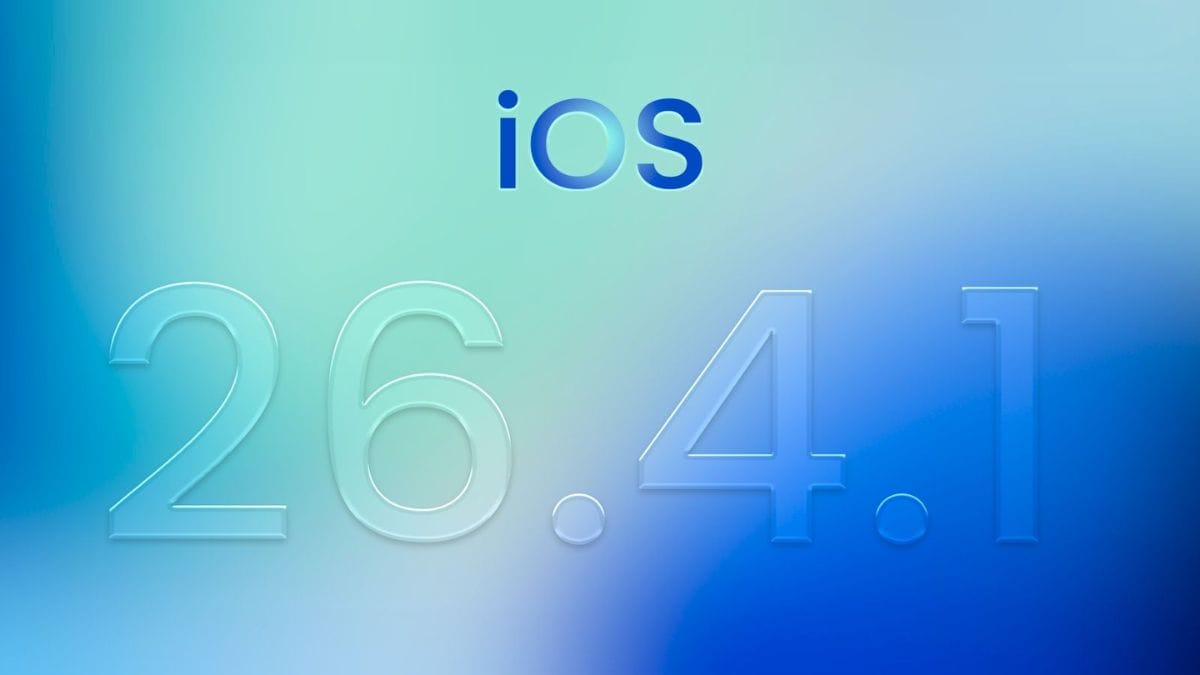
Apple has released the iOS 26.4.1 update for iPhone users, addressing a critical issue that emerged shortly after the rollout of iOS 26.4. The update focuses on fixing an iCloud syncing bug that affected both Apple’s native apps and third-party applications relying on CloudKit.
The release comes within two weeks of the previous update, indicating a prompt response to a widely reported problem impacting data synchronization across devices.
The iOS 26.4.1 update is primarily a maintenance release with bug fixes and minor improvements.
| Feature | Details |
|---|---|
| Update Version | iOS 26.4.1 |
| Build Number | 23E254 |
| Release Timeline | Two weeks after iOS 26.4 |
| Key Fix | iCloud syncing issue |
| Additional Changes | Apple Music improvements |
Users can install the update through the standard software update process in device settings.

Bug
The central issue addressed in this update relates to iCloud syncing failures.
After the release of iOS 26.4, developers reported that devices were not receiving iCloud change notifications. This disruption affected apps built using Apple’s CloudKit framework, which is widely used for syncing data such as user preferences, documents, and app states.
As a result, changes made on one device were not consistently reflected on others. This created functional issues for several applications, particularly those dependent on real-time or near real-time synchronization.
Impact
The bug had a broader impact than initially expected.

It affected not only third-party applications but also Apple’s own services. One notable example was the Passwords app, which relies on secure iCloud syncing to manage passwords, passkeys, and verification codes across Apple devices.
Inconsistent syncing in such applications can affect usability and, in some cases, user trust in cross-device continuity.
Fix
With iOS 26.4.1, Apple has implemented a fix for the CloudKit notification issue.
Developer reports indicate that devices are now correctly receiving iCloud change notifications, restoring normal synchronization behavior. This ensures that updates made in supported apps are reflected across devices as intended.

While Apple has not detailed the technical changes, the update appears to resolve the issue without requiring user intervention beyond installation.
Features
In addition to bug fixes, the update includes minor improvements linked to features introduced in iOS 26.4.
The earlier iOS 26.4 update introduced several enhancements, including:
- Playlist Playground in Apple Music
- A new Concerts view for artists
- Eight new emojis
- Improvements to the Freeform app
- Enhanced reminder management tools
- Purchase Sharing flexibility in Family Sharing
- Improved keyboard accuracy
The iOS 26.4.1 update refines some of these features, particularly within Apple Music, although no major new functionality has been introduced.
Install
Installing the update is straightforward for eligible devices.
Users can follow these steps:
- Open Settings
- Go to General
- Tap Software Update
- Select Update Now
It is recommended to connect to Wi-Fi and ensure sufficient battery before starting the installation process.
Context
The rapid release of iOS 26.4.1 highlights the importance of stability in ecosystem-based services such as iCloud. Even minor disruptions in background services like CloudKit can have wide-ranging effects across applications.
Apple’s response suggests a focus on maintaining reliability, especially for core features like data synchronization and secure storage.
The iOS 26.4.1 update serves as a corrective release aimed at restoring normal functionality after issues identified in iOS 26.4. By addressing the iCloud syncing bug and refining recent features, Apple has ensured continuity for both developers and users. Regular updates of this nature are essential for maintaining performance and reliability across the iOS ecosystem.
FAQs
What is iOS 26.4.1 update?
It is a bug-fix update for iPhone users.
What issue does it fix?
It fixes iCloud syncing problems.
Was Passwords app affected?
Yes, syncing issues impacted it.
How to install the update?
Via Settings and Software Update.
Does it add new features?
Mainly fixes with minor improvements.