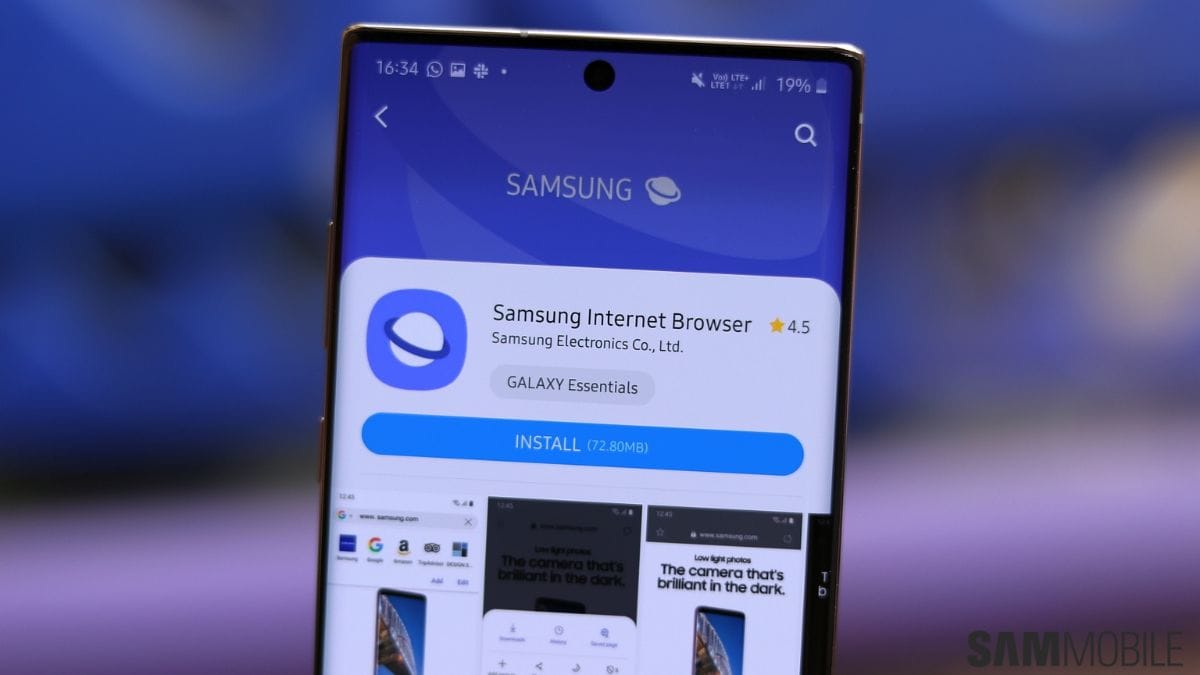
Samsung is preparing to introduce several new features to its Samsung Browser with the upcoming One UI 9 update. The improvements are expected to include multitasking capabilities, artificial intelligence integration, and additional cross-device functionality.
Samsung Browser, previously known as Samsung Internet Browser, comes pre-installed on Galaxy smartphones and tablets. It is also available for download through the Google Play Store and serves as an alternative to popular browsers such as Google Chrome.
The upcoming features are expected to enhance productivity, browsing convenience, and AI-assisted interaction within the browser environment.
Browser
Although Google Chrome remains the most widely used mobile browser globally, Samsung Browser has established a notable user base, particularly among Galaxy device owners.

The browser includes several features such as customization options, privacy controls, extension support, and integrated tools designed for Samsung devices. With the upcoming One UI 9 update, Samsung is expected to expand these capabilities further.
| Feature | Samsung Browser |
|---|---|
| Default Availability | Pre-installed on Galaxy devices |
| Platform | Android |
| Download Source | Google Play Store |
| Key Capabilities | Extensions, customization, privacy tools |
These features have made the browser a widely used option for Samsung users seeking alternatives to Chrome.
Multitasking
One of the most notable upcoming additions is a multi-window browsing feature. This functionality will allow users to open multiple browser windows simultaneously in a split-screen format.
Instead of switching between tabs, users will be able to view two active websites at the same time. This feature may improve productivity for users who need to compare information, read articles while referencing another page, or perform tasks across multiple websites.

On larger devices such as foldable smartphones, the feature may support even more windows. Reports suggest that devices like the Galaxy Z Fold 7 could allow up to three Samsung Browser windows to run simultaneously.
| Feature | Function |
|---|---|
| Multi-window browsing | View multiple websites simultaneously |
| Split-screen mode | Two active pages side by side |
| Foldable support | Up to three windows on large screens |
This functionality is similar to multitasking capabilities already introduced in some Android browsers.
AI
Another upcoming addition is the Ask AI feature, which is expected to integrate artificial intelligence directly into the browsing experience.
According to reports, this tool will analyze the content users are viewing and provide answers, suggestions, or contextual information. The feature is believed to be powered by the AI platform Perplexity.
Unlike simple screen scanning tools, the AI is expected to access browser data directly. This may include page content, browsing history, and other contextual data that help generate more accurate responses.
| Feature | Description |
|---|---|
| Ask AI | AI-powered browsing assistance |
| Technology | Reportedly powered by Perplexity |
| Function | Analyze web content and provide answers |
| Data Source | Browser content and activity |
Samsung may include privacy controls allowing users to manage how long browsing activity is stored for AI analysis.
Continuity
Another feature discovered in early builds of Samsung Browser is a setting labeled Enable Cross Device Resume.
While its full functionality is not yet confirmed, the feature name suggests that it may allow users to continue browsing sessions across multiple devices. This could involve transferring an open webpage or an entire browsing session from one device to another.
Samsung devices already support a similar capability through the Continue on other device feature. However, Cross Device Resume may introduce a faster or more seamless transition between devices.
| Feature | Possible Function |
|---|---|
| Cross Device Resume | Resume browsing on another device |
| Session Transfer | Move pages or tabs between devices |
| Ecosystem Support | Works within Samsung device ecosystem |
More details about this feature are expected once the official update becomes available.
Release
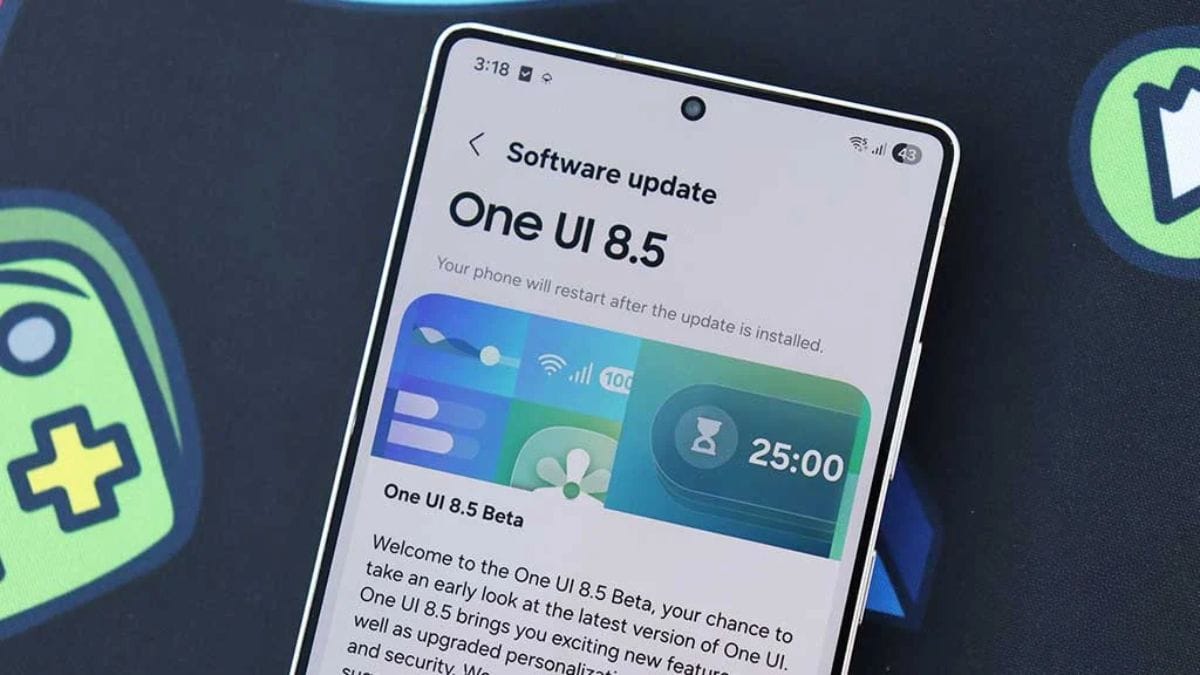
The new browser features are expected to arrive alongside the One UI 9 software update. Samsung is likely to begin testing through the One UI 9 Beta program in May.
The beta version is expected to launch first for the upcoming Galaxy S26 series, followed later by the Galaxy S25 lineup. The final release of One UI 9 is expected later in the year.
Samsung’s new software version is also anticipated to ship with the upcoming Galaxy Z Fold 8 and Galaxy Z Flip 8 devices scheduled for release in the summer.
The upcoming One UI 9 update indicates that Samsung is continuing to expand the capabilities of its browser and device ecosystem. Features such as multi-window browsing, AI assistance, and potential cross-device session transfer aim to make browsing more efficient across different types of devices. As the beta program begins and more details become available, users will gain a clearer understanding of how these tools will function within Samsung’s software platform.
FAQs
What new features are coming to Samsung Browser?
Multitasking, AI assistance and cross-device resume.
What is the Ask AI feature in Samsung Browser?
It analyzes webpages and provides AI-powered answers.
When will Samsung Browser get these updates?
The features are expected with One UI 9.
What is multi-window browsing in Samsung Browser?
It allows viewing multiple websites at the same time.
Which devices will get One UI 9 first?
Galaxy S26 series will likely receive it first.