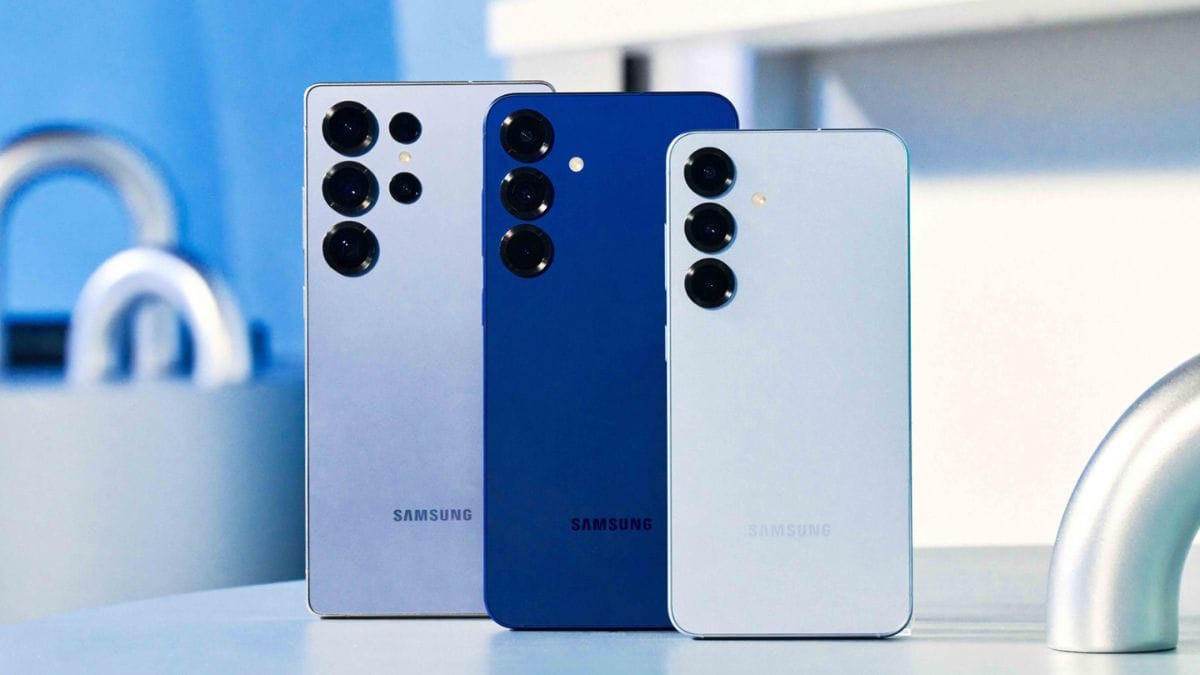
Samsung’s Galaxy S26 series may soon receive a new upgrade through Google’s Gemini AI. According to recent reports, the smartphones are beginning to get access to Gemini’s AI-backed task automation feature, which allows users to assign routine smartphone tasks to the AI assistant.
The feature was originally introduced during the Galaxy Unpacked 2026 event, where Google showcased several Galaxy AI capabilities designed for the Samsung Galaxy S26, Galaxy S26+, and Galaxy S26 Ultra. The new functionality focuses on automating everyday smartphone actions across multiple apps.
Feature
The new tool is referred to as Screen Automation. It allows the Gemini AI assistant to interact directly with Android applications on behalf of the user.
With this capability, users can assign certain tasks to Gemini instead of manually performing them. The assistant can open apps, navigate through options, and complete tasks automatically.

The functionality is designed to reduce the time spent on repetitive actions such as ordering food, booking rides, or sending messages.
Availability
According to a report by 9to5Google, the preview version of Gemini’s task automation tool has begun appearing on devices in the Galaxy S26 lineup.
The feature was reportedly spotted on the Samsung Galaxy S26 Ultra. However, neither Samsung nor Google has officially confirmed a wide rollout of the tool yet.
The feature was first introduced publicly during the Galaxy Unpacked event on February 25, 2026.
Apps
The automation tool currently supports several widely used services, especially those related to transportation and food delivery.
Supported apps reportedly include:
| Category | Apps Supported |
|---|---|
| Ride Hailing | Lyft, Uber |
| Food Delivery | Grubhub, DoorDash, Uber Eats |
| Coffee Ordering | Starbucks |
Support for additional apps may be added as the feature expands beyond its preview phase.
Usage
The Gemini AI assistant performs the assigned tasks within a controlled environment on the device.
For example, users can ask Gemini to:
- Book a ride using a ride-hailing app
- Reorder a previously purchased meal
- Check emails
- Compose and send messages
Users can track the progress of automated tasks through real-time notifications on their device.
Security
Google states that the automation system operates in a secure virtual window. This setup ensures that Gemini only interacts with apps that the user has explicitly allowed.
The design also allows users to continue using other applications on their smartphone while Gemini completes a task in the background.
This approach is intended to maintain both security and usability while allowing deeper integration between the AI assistant and Android apps.
Issue
During testing of the preview version, some issues were reported. In one instance, the task automation feature reportedly locked the device into the automation screen.
Users were unable to exit the screen normally and had to restart the smartphone to regain control. Since the feature is still in preview, such issues may be addressed in future updates.
Expansion
At present, the Gemini AI task automation feature is available in preview form in the United States and South Korea.
Google has indicated that the feature will gradually expand to a wider user base. Future updates may also introduce additional app compatibility and improved performance.
The Samsung Galaxy S26 series continues to receive new AI-based capabilities through collaboration between Samsung and Google. The addition of Gemini’s task automation feature reflects the growing role of artificial intelligence in simplifying everyday smartphone interactions. While the tool is still in preview and limited to certain regions, it represents an early step toward deeper AI-driven automation on mobile devices.
FAQs
What is Gemini AI task automation?
It allows Gemini to perform tasks in apps automatically.
Which phones support this feature?
It is available on the Samsung Galaxy S26 series.
Which apps does it support currently?
Uber, Lyft, DoorDash, Grubhub, Uber Eats, Starbucks.
Where is the feature available now?
It is in preview in the US and South Korea.
Is the feature officially confirmed?
Samsung and Google have not confirmed the rollout yet.